
Atomic Design, introduced by Brad Frost, provides a methodology for creating modular UIs by structuring them into atoms, molecules, organisms, templates, and pages.
Introduction
Designing a user interface (UI) can often feel overwhelming because of the many moving parts. But what if you could break everything down into smaller, reusable, and manageable pieces?
That’s where Atomic Design comes in. This methodology, developed by Brad Frost, gives designers and developers a structured way to build scalable UIs by thinking in terms of reusable components. The core idea is to view UI elements hierarchically, from the simplest building blocks to fully realized pages.
The Five Stages of Atomic Design
1. Atoms
Atoms are the most basic building blocks of any UI.
Examples include:
- Buttons
- Input fields
- Labels
- Icons
They cannot be broken down further while still keeping their function. Think of them as the foundation elements of your design system.
2. Molecules
Molecules are created by combining atoms into small, functional units.
Examples include:
- A search bar made of an input field (atom) + button (atom)
- A form label combined with a text input
Molecules bring context to atoms and give them a clear purpose.
3. Organisms
Organisms are groups of molecules and atoms that work together as larger UI components.
Examples include:
- A website header, which might include a logo (atom), navigation menu (molecule), and a search bar (molecule).
- A card component, with an image, title, and action buttons.
They form distinct sections of a page.
4. Templates
Templates provide the overall structure and layout of a page by combining organisms, molecules, and atoms. They are blueprints that define hierarchy and positioning without yet including final content.
Example:
- A blog template with placeholders for a header organism, sidebar, and article list.
5. Pages
Pages are templates populated with actual content. They represent a fully realized UI design where usability, readability, and performance can be tested.
Example:
- A blog page filled with real articles, author bios, and navigation links.
Example to Visualize the Structure
Let’s imagine building a simple blog homepage using Atomic Design:
- Atom: A button, a text input, an avatar image.
- Molecule: A search bar (text input + button).
- Organism: A header (logo + navigation menu + search bar).
- Template: A homepage layout (header + main article list + sidebar).
- Page: A complete homepage with real article titles, author images, and links.
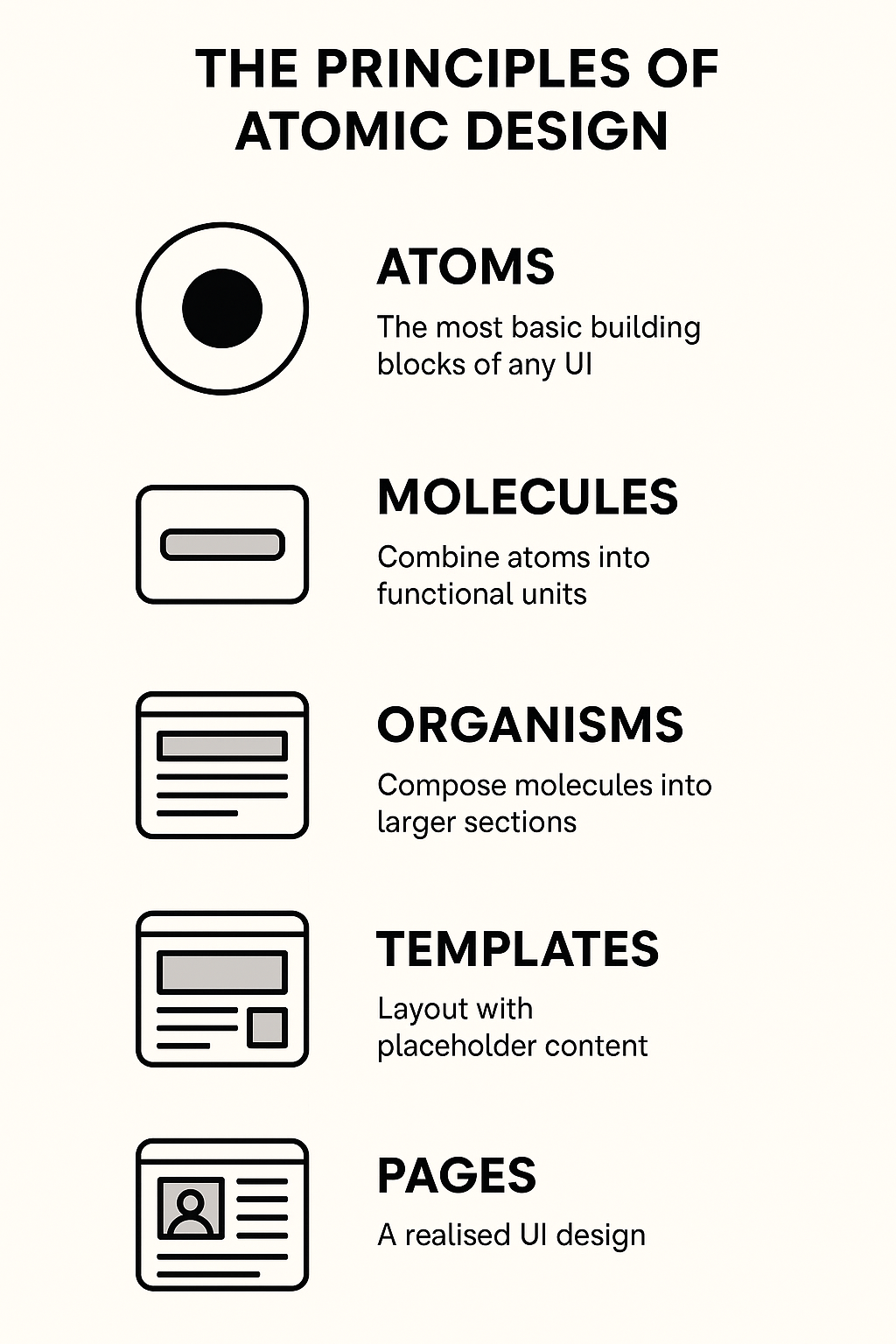
This breakdown ensures consistency, reusability, and scalability. Changing a single atom (like a button style) cascades through molecules, organisms, templates, and pages, keeping the entire system unified.
Conclusion
Atomic Design is not a rigid, step-by-step process—it’s a mental model that helps teams build robust design systems. By understanding how atoms, molecules, organisms, templates, and pages relate to one another, you can create modular, scalable, and user-friendly UIs.
When applied well, Atomic Design helps bridge the gap between design and development, making interfaces easier to maintain and evolve.